
Phone Remote Control: Steer From the Couch
Not installed yet? Start with phone install guide.
This lesson solves something very practical: the work has started, but you have to leave the desk.
You do not need remote desktop, and you do not need to carry the laptop. A phone browser can take over the same progress.
01 Create a pairing link on the computer
Section titled “01 Create a pairing link on the computer”Copy that link and send it to yourself in a phone chat window — the most reliable way to move it across.
Type this in the terminal — the only line you need
ultracode pairWhat you’ll see: One link appears that you can open directly. It stays valid for a few minutes only.
02 Open it on your phone
Section titled “02 Open it on your phone”Nothing needs to be installed on the phone. The interface reshapes itself for finger-sized taps.
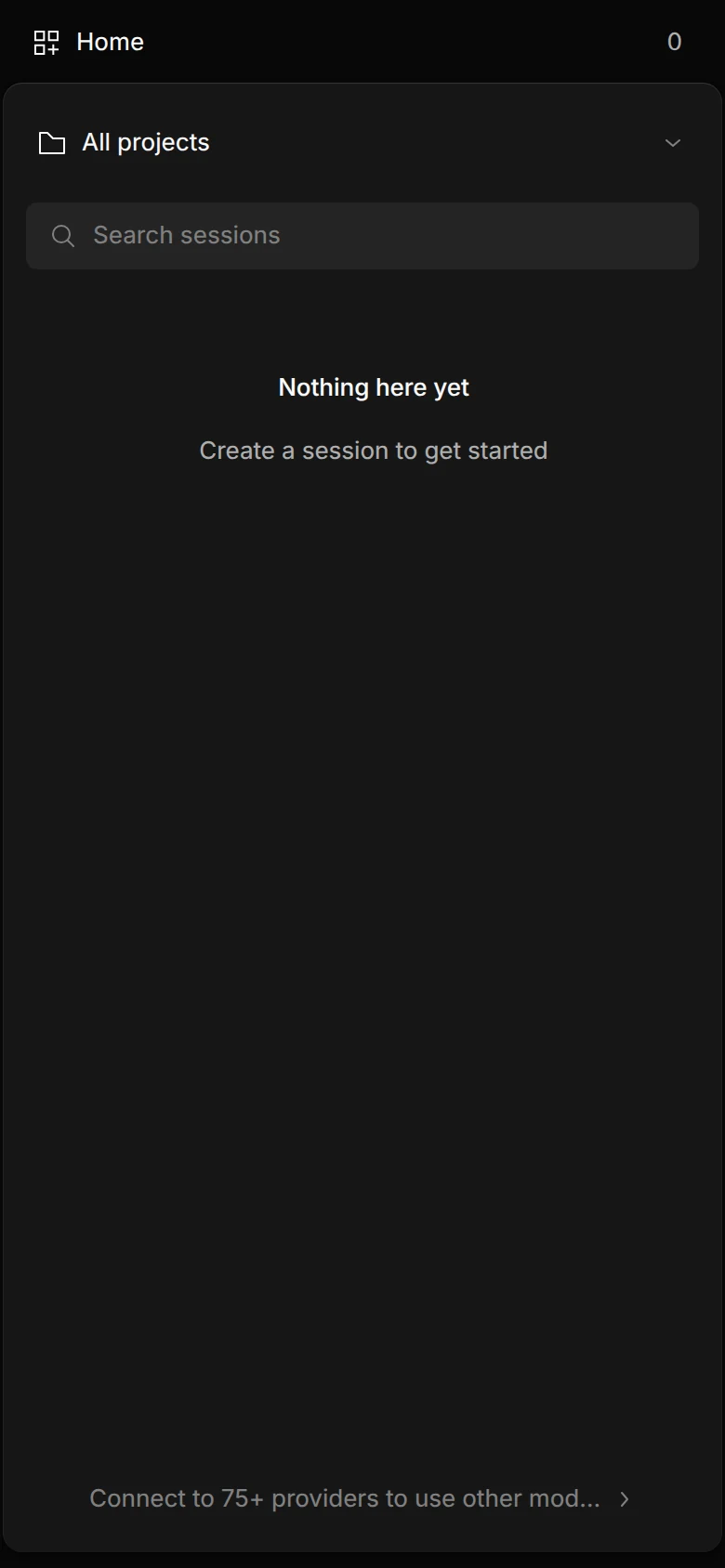
- Projects and sessions are here on the phone too
What you’ll see: The same project opens in your phone browser, with the same project name and the same progress.
03 Answer its questions right on the phone
Section titled “03 Answer its questions right on the phone”So the moments that actually need you are never missed: picking a style, choosing an approach, deciding whether to continue.
What you’ll see: Choice cards are just as tappable on a phone, and the desktop updates as soon as you choose.
04 Prefer fewer interruptions? Flip the two switches
Section titled “04 Prefer fewer interruptions? Flip the two switches”The other switch is /approvals, which controls whether it asks before running an action. Both stay in sync between computer and phone.
Send this command in the phone composer
/directionWhat you’ll see: The current questioning mode is shown and switches immediately: let it decide on its own, or have it ask you every time.
When you come back to the desk there is nothing to reconnect. Next: Lock a blueprint, then verify the page.